My Project Maker – Planner
Create and Manage Projects.
Plan, track, and ship any project — from app builds to home renovations to side hustles.
Projects at a Glance
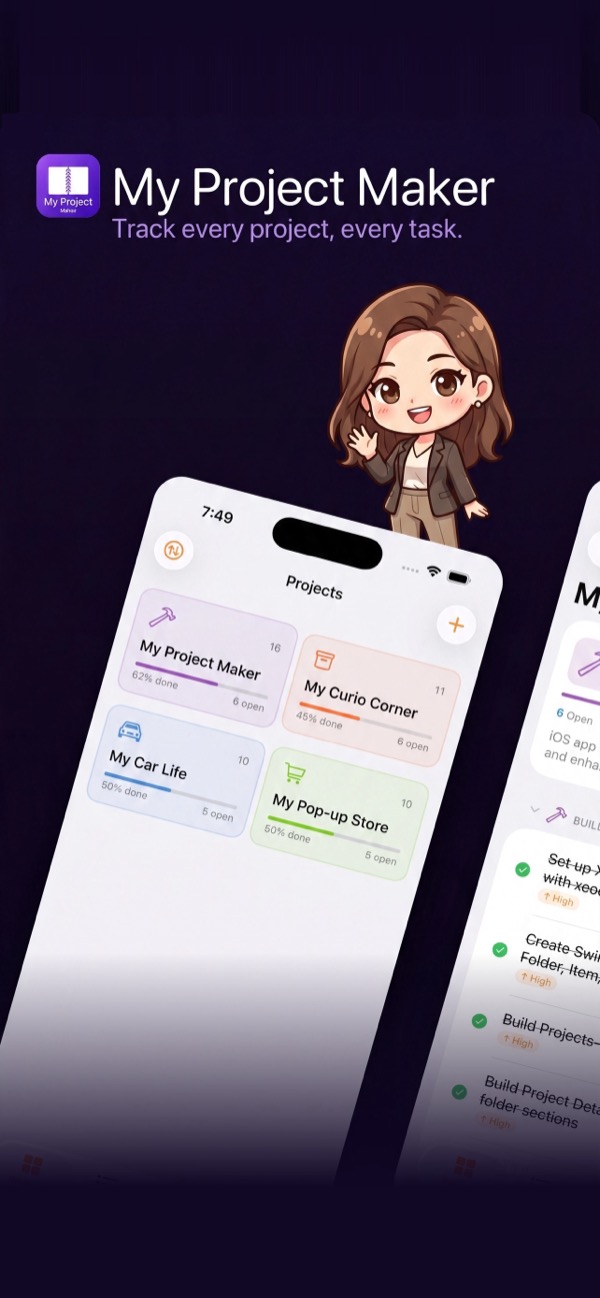
Create projects with a custom icon and color. Each card shows completion percentage, open items, and done count. Sort manually, by name, by date, or by progress.
Folders Inside Each Project
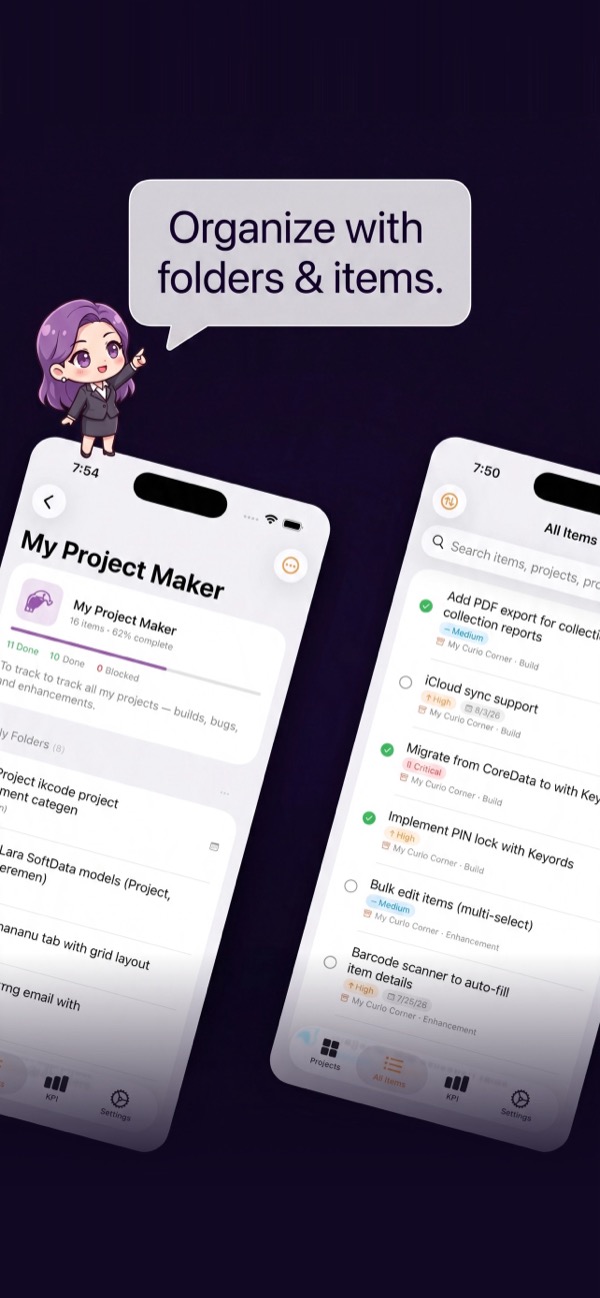
Break every project into named folders — like Build, Enhancement, and Bug, or Planning, In Progress, and Review. Expand and collapse sections to focus on what matters.
Items with Full Detail
Each task tracks status, priority, due date with overdue alerts, and free-form notes. Tap to edit, long-press for quick actions, swipe to delete with a confirmation step.
All Items Tab
See every task across all projects in one flat list. Filter by project, status, or priority. Search by name, project, or folder. Sort by newest, name, status, priority, or due date.
KPI Dashboard
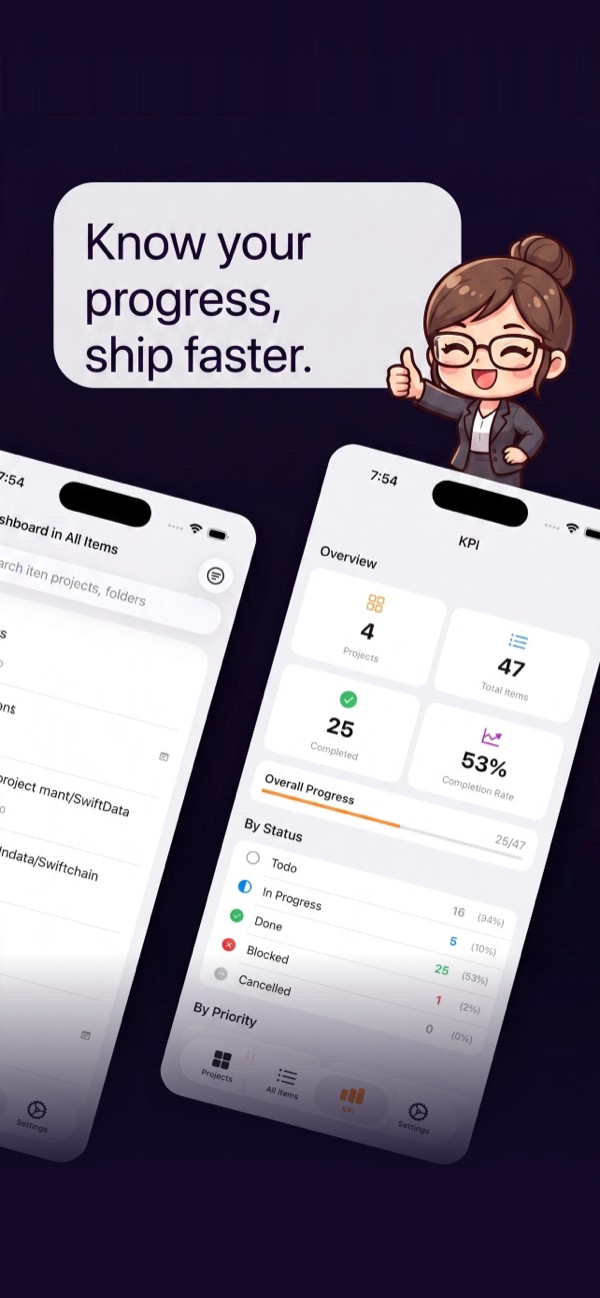
Total projects, completion rate, status and priority breakdowns, per-project progress bars, and a deadlines section with overdue items flagged in red.
Timeline: Calendar & Gantt
A new Timeline tab: browse due dates on a Month, Week, or Year calendar, or switch to a Gantt chart with one bar per project — tap to expand into folders, then tasks, all on the same date scale. Filter by project, archived included.